Struggling to log into your Instagram account because of an “Invalid Credentials” error? You’re not alone. This common issue can be frustrating, especially when you’re sure your login details are correct.
In this guide, we’ll break down why this error happens and walk you through practical ways to fix it quickly.
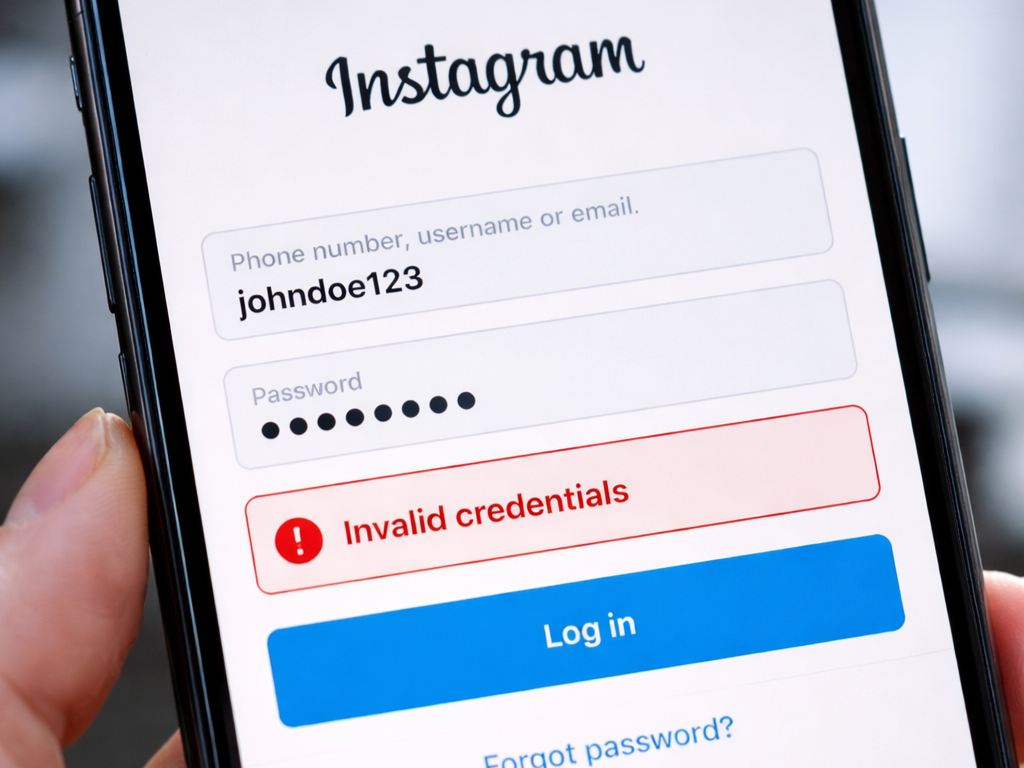
Why You’re Seeing the “Invalid Credentials” Error
Before jumping into solutions, it helps to understand what might be causing the problem. In most cases, this error appears when Instagram cannot verify your login details or flags your access attempt as suspicious.
Here are the most common reasons:
1. Incorrect Login Details
Even a small typo in your username or password can trigger the error. Double-check your entries carefully before trying again.
2. Suspicious Login Activity
Logging in from a new device, location, or IP address may cause temporary access issues as part of Instagram’s security checks.
3. Blocked or Flagged IP Address
If your internet connection or IP address has been flagged, Instagram may temporarily prevent login attempts.
4. Account Security Restrictions
Unusual behavior—such as rapid login attempts—can trigger temporary account restrictions.
5. Browser, App, or Network Issues
Sometimes the issue isn’t your account at all but a glitch in your browser, app, or internet connection.
How to Fix the “Invalid Credentials” Error
Try these solutions one by one until you regain access to your account.
✅ 1. Double-Check Your Login Information
- Re-enter your username and password carefully
- Make sure Caps Lock is off
- Try logging in using your email or phone number instead
If needed, use the “Forgot Password” option.
🔐 2. Reset Your Password
- Go to the Instagram login page
- Click Forgot password?
- Follow the instructions sent via email or SMS
- Log in using your new password
🌐 3. Try a Different Device or Browser
- Switch from mobile app to desktop (or vice versa)
- Try a different browser, like Chrome or Firefox
- Log in using another device
📶 4. Change Your Network Connection
- Switch between Wi-Fi and mobile data
- Restart your router
- Toggle Airplane Mode on and off
🧹 5. Clear App Cache or Reinstall the App
- Clear the app cache (Android)
- Delete and reinstall the app (iOS & Android)
This helps remove corrupted data that may be causing login issues.
🔄 6. Wait Before Trying Again
If Instagram detects unusual activity, it may temporarily block login attempts.
- Wait 24 hours before trying again
- Avoid repeated login attempts during this time
📩 7. Contact Instagram Support
- Use the in-app help center
- Report a login issue
- Complete identity verification if required
Pro Tips to Avoid This Error in the Future
- Use a password manager to avoid typos
- Avoid logging in from too many devices or locations
- Keep your app updated
- Enable two-factor authentication for better security
Final Thoughts
The “Invalid Credentials” error on Instagram is usually temporary and fixable. In most cases, it’s caused by incorrect login details, security checks, or minor technical issues.
By following the steps above, you should be able to regain access quickly and prevent the issue from happening again.
Leave a Reply