
Searching on Twitter (now X) can feel overwhelming. With thousands of posts published every second, finding relevant conversations, users, or content isn’t always easy. That’s where advanced search operators come in.
These simple commands help you filter results, narrow down topics, and uncover highly specific tweets—whether you’re doing research, monitoring trends, or managing a brand presence.

What Are Twitter Advanced Search Operators?
Advanced search operators are special commands you type directly into the search bar to refine your results. Instead of relying on default algorithms, you can specify exactly what you want to see—by keyword, user, date, location, or content type.
For example, you can:
- Find tweets from a specific account
- Exclude unwanted keywords
- Search within a date range
- Filter tweets with images, videos, or links
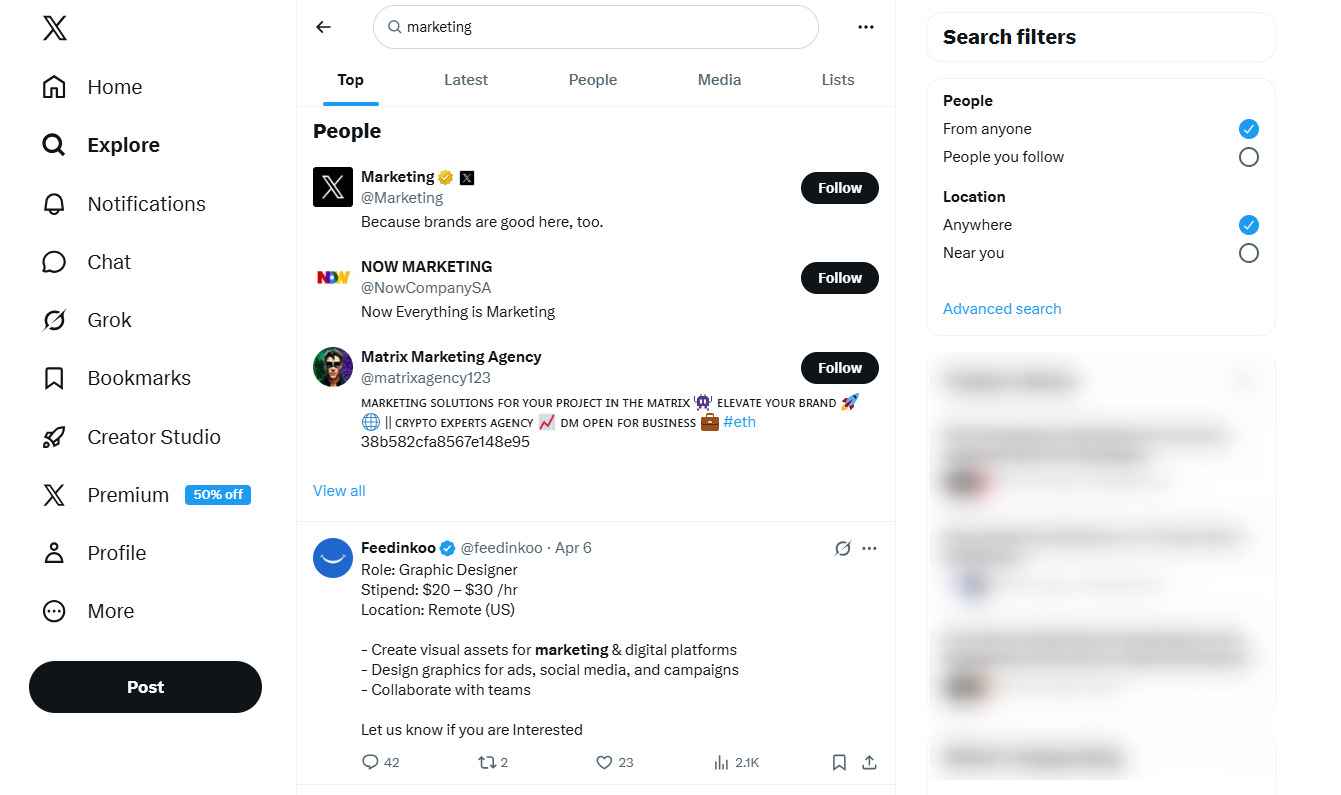
Essential Twitter Search Operators (With Examples)
1. Exact Phrase Search
Use quotation marks to find tweets containing a specific phrase.
"digital marketing strategy"
2. OR Operator
Use OR (in uppercase) to search for either of two terms.
SEO OR PPC
3. Exclude Words
Add a minus sign to remove unwanted terms.
marketing -affiliate
4. Hashtag Search
#SocialMediaTips
5. Tweets From a Specific User
from:TwitterDev
6. Tweets Sent to a User
to:TwitterSupport
7. Location-Based Search
coffee near:Tokyo within:10km
8. Filter by Content Type
- filter:images
- filter:videos
- filter:links
- filter:replies
9. Language Filter
marketing lang:en
10. Date Range Search
startup since:2024-01-01 until:2024-12-31
11. Question-Based Search
email marketing ?
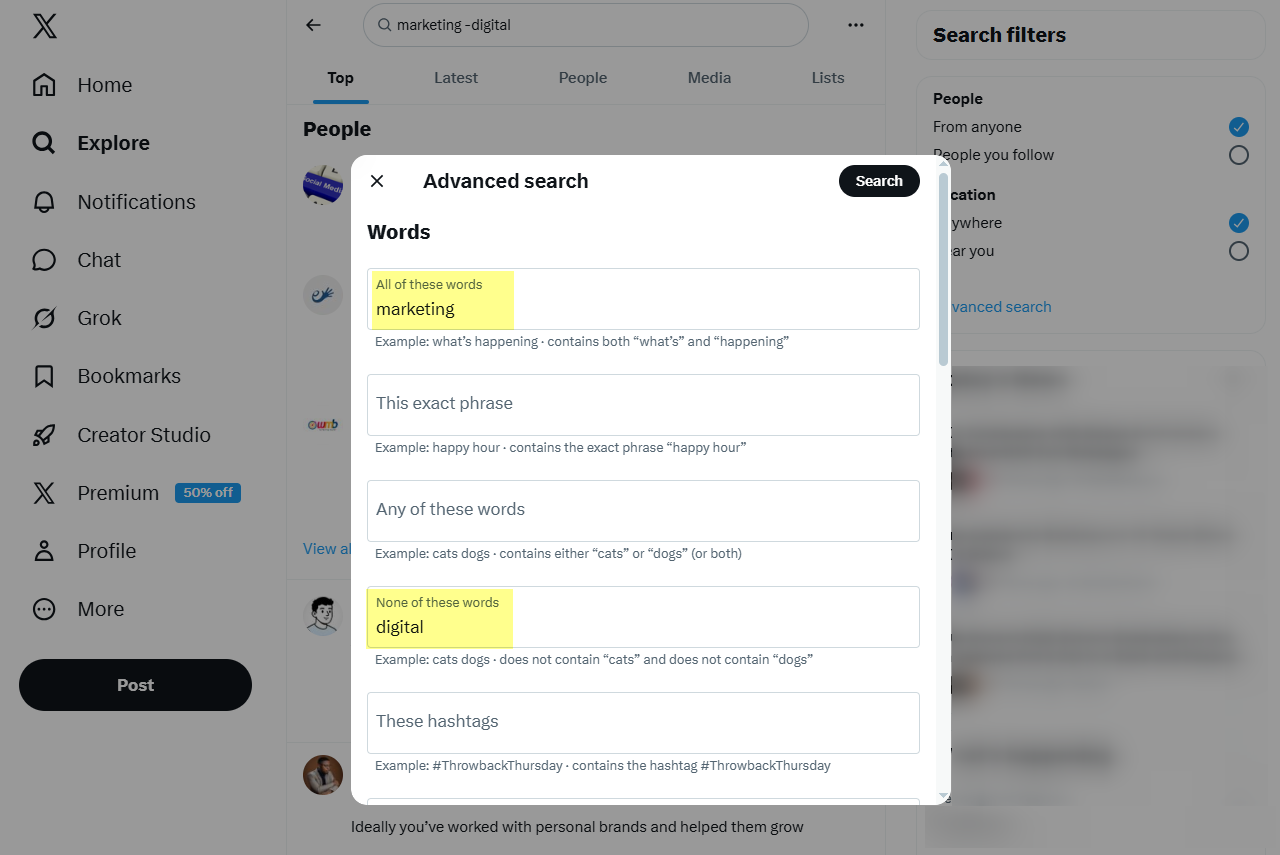
Combining Operators for Advanced Results
The real power comes from combining multiple operators into one search.
social media strategy lang:en -filter:replies filter:links
This query allows you to narrow results to highly relevant content while removing noise.
Practical Use Cases
Find Customer Feedback
Search for mentions of your brand alongside keywords like “review,” “problem,” or “help.”
Monitor Competitors
Track what users are saying about competing brands or services.
Discover Content Ideas
Look for questions in your niche to identify common pain points and trending topics.
Track Trends
Use hashtags and date filters to follow discussions over time.
Curate High-Quality Content
Filter tweets with links or media to find share-worthy posts.
Tips for Better Search Results
- Start broad, then refine your query
- Combine 2–3 operators first before adding more
- Use exact phrases for precision
- Test different keyword variations
- Save frequently used searches
Conclusion
Twitter advanced search operators are a powerful yet underused feature. By mastering them, you can cut through the noise, uncover valuable insights, and find exactly the content you need—faster and more efficiently.
Leave a Reply