Live video gives businesses something that polished social posts often cannot: a chance to interact with people while the conversation is happening. Instead of publishing a finished announcement and waiting for reactions, a business can answer questions, demonstrate a product, explain a process, interview an expert, or simply show the people behind the brand in real time.
That does not mean every business needs to become a full-time broadcaster. A useful live stream can be as simple as a 20-minute product demonstration or a Q&A with a knowledgeable team member. The key is to treat live video as part of a broader content strategy rather than an isolated event.

For businesses managing several social accounts, live video can also become a source of content that can be repurposed into shorter clips, quotes, follow-up posts, and educational material. With a little planning, one live session can support several pieces of content instead of disappearing when the broadcast ends.
Start With a Reason to Go Live
The easiest way to make a live stream feel awkward is to start broadcasting without knowing why anyone should watch. “We are live today” is not a compelling topic by itself. Give the audience a specific reason to join.
Start by identifying a question, problem, event, or decision that matters to your customers. A software company might host a live walkthrough of a new feature. A fitness business could demonstrate a beginner-friendly routine and answer questions. A retailer could show how to choose between several products. A local business might take viewers behind the scenes during preparation for an event.
A simple planning exercise is to complete this sentence:
“After watching this live stream, viewers will be able to ______.”
If the blank cannot be completed clearly, the topic probably needs more focus.
Choose a format that fits the goal
- Q&A: Answer common customer questions and collect new ones from the live chat.
- Demonstration: Show how a product, service, workflow, or technique works.
- Interview: Bring in a customer, specialist, founder, partner, or industry guest.
- Behind the scenes: Give viewers a look at preparation, production, events, or company culture.
- Educational session: Teach one focused topic instead of trying to cover an entire subject.
- Live event coverage: Share selected moments from an event where live participation adds genuine value.
It is also worth considering where your audience already spends time. Recent research into social media use shows that platform adoption varies considerably by age and demographic group, so there is little reason to assume that one platform will automatically be the right home for every business. Current research on social media platform usage and audience demographics can help marketers make that decision based on evidence rather than habit.
For teams managing multiple accounts, document the purpose of each live stream before scheduling it. That makes it easier to decide which accounts should promote it, which audience should be invited, and what follow-up content should be created afterward.
Plan the Broadcast Without Overproducing It
Live video does not need the production complexity of a television program. In many cases, a phone, a stable internet connection, a quiet location, and a clear topic are enough to get started. What matters more is whether the viewer can hear the speaker, understand what is happening, and follow the conversation without unnecessary distractions.
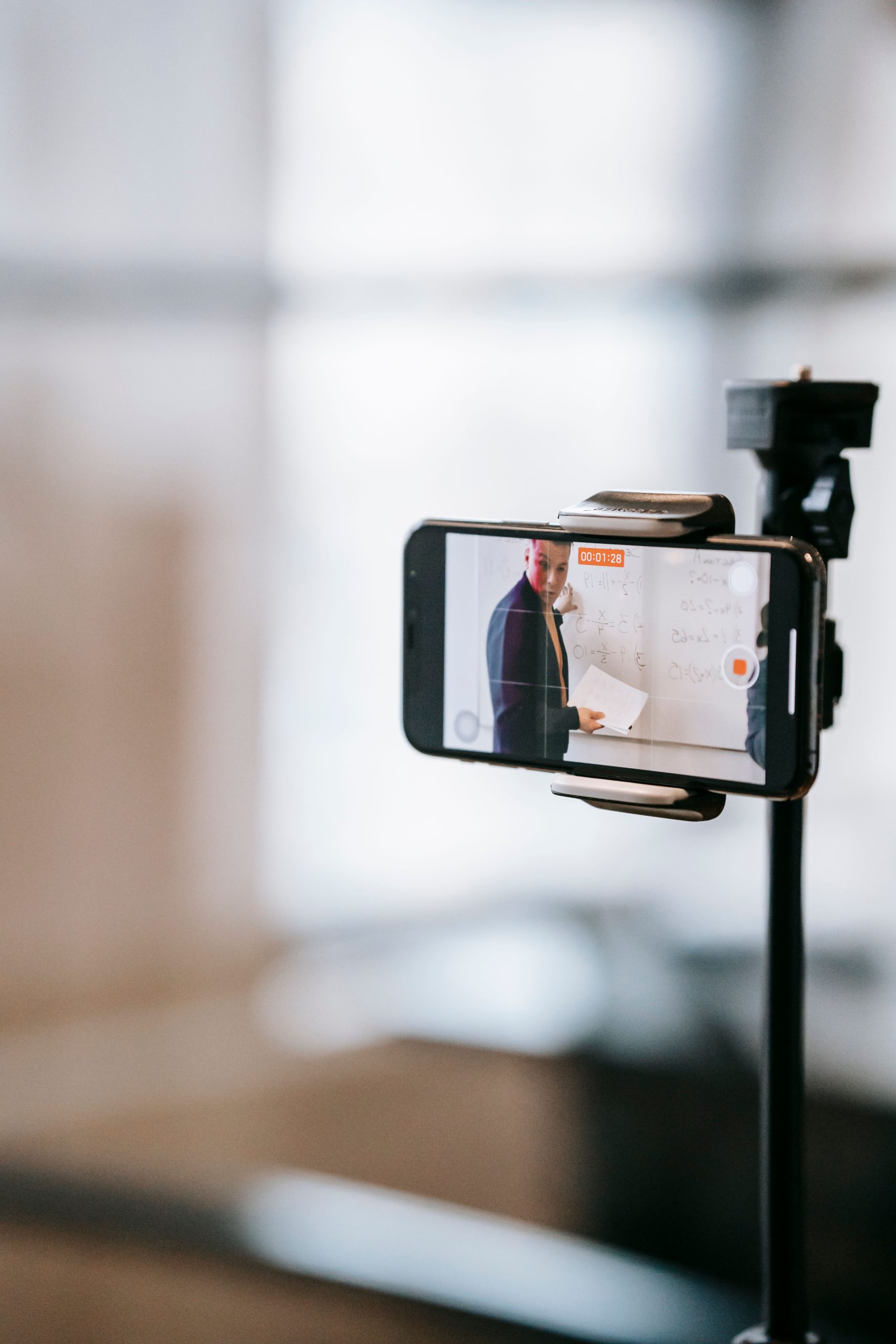
Before going live, prepare a short run-of-show rather than a word-for-word script. A useful structure might look like this:
- Opening: Introduce the topic and explain what viewers will get from the session.
- Context: Briefly explain why the topic matters to your audience.
- Main content: Demonstrate, explain, interview, or discuss the subject.
- Interaction: Pause periodically to answer questions and acknowledge useful comments.
- Next step: Tell viewers what they can do after the broadcast, such as reading a related guide, trying a technique, registering for an event, or following the account.
Do a technical test before the actual broadcast. Check the microphone, camera angle, lighting, background, internet connection, and any screen-sharing or presentation equipment you plan to use. YouTube’s current streaming guidance recommends testing the setup before an event and checking both audio and video quality, while also emphasizing the importance of sufficient upload bandwidth and a reliable connection. Practical guidance for testing network, audio, video, and streaming equipment provides a useful checklist even if your business uses a different platform.
Also prepare for ordinary interruptions. Keep a backup talking point available in case a guest is late or the demonstration takes less time than expected. If something technical goes wrong, explain what is happening instead of disappearing silently. A calm, transparent response often feels more natural than trying to make a live broadcast look perfectly scripted.
Turn the Live Stream Into a Conversation
The biggest advantage of live video is interaction, so do not treat the audience as passive viewers. Build opportunities for participation into the broadcast from the beginning.
For example, instead of saying, “Today we are going to discuss three common mistakes,” ask viewers which mistake they encounter most often. During a product demonstration, invite them to suggest a scenario for you to test. During an interview, collect questions before the guest answers the final section. These small prompts give viewers a reason to participate rather than simply watch.
Someone on the team should ideally monitor comments while another person presents. That allows the presenter to concentrate on the conversation while a moderator identifies useful questions, removes inappropriate comments when necessary, and flags technical issues.
Make questions part of the content
Do not wait until the final five minutes to look at the chat. Build natural pauses into the session:
- Ask a question after each major section.
- Invite viewers to describe their own experience.
- Repeat an important question aloud before answering it so replay viewers have context.
- Keep a short list of frequently asked questions nearby in case the chat is quiet.
- Note particularly useful questions for future posts or videos.
This approach can also help a business discover what its audience actually wants to know. A question that repeatedly appears during a live session may become the subject of a future article, short video, FAQ, or tutorial.
Moderation matters as well. Assign clear responsibility for the chat, especially when several people have access to the same social accounts. Avoid encouraging artificial engagement, repetitive comments, or tactics designed to overwhelm feeds. The goal is to create a useful conversation, not simply to make the comment count look larger.
For businesses with several social profiles, keeping track of the supporting posts can become a separate challenge. A tool such as SMTasker can be useful for organizing and managing social media activity across accounts, while the live broadcast itself should remain focused on providing value to the audience.
Promote the Stream Before and After It Happens
A strong live session can still struggle if nobody knows when it is happening. Promotion does not need to be elaborate, but it should give people enough information to decide whether the broadcast is worth their time.
Start promoting the stream early enough for your audience to notice it. The exact timing will depend on the audience and platform, but a practical campaign might include an initial announcement, a reminder closer to the event, and a final reminder shortly before the broadcast.
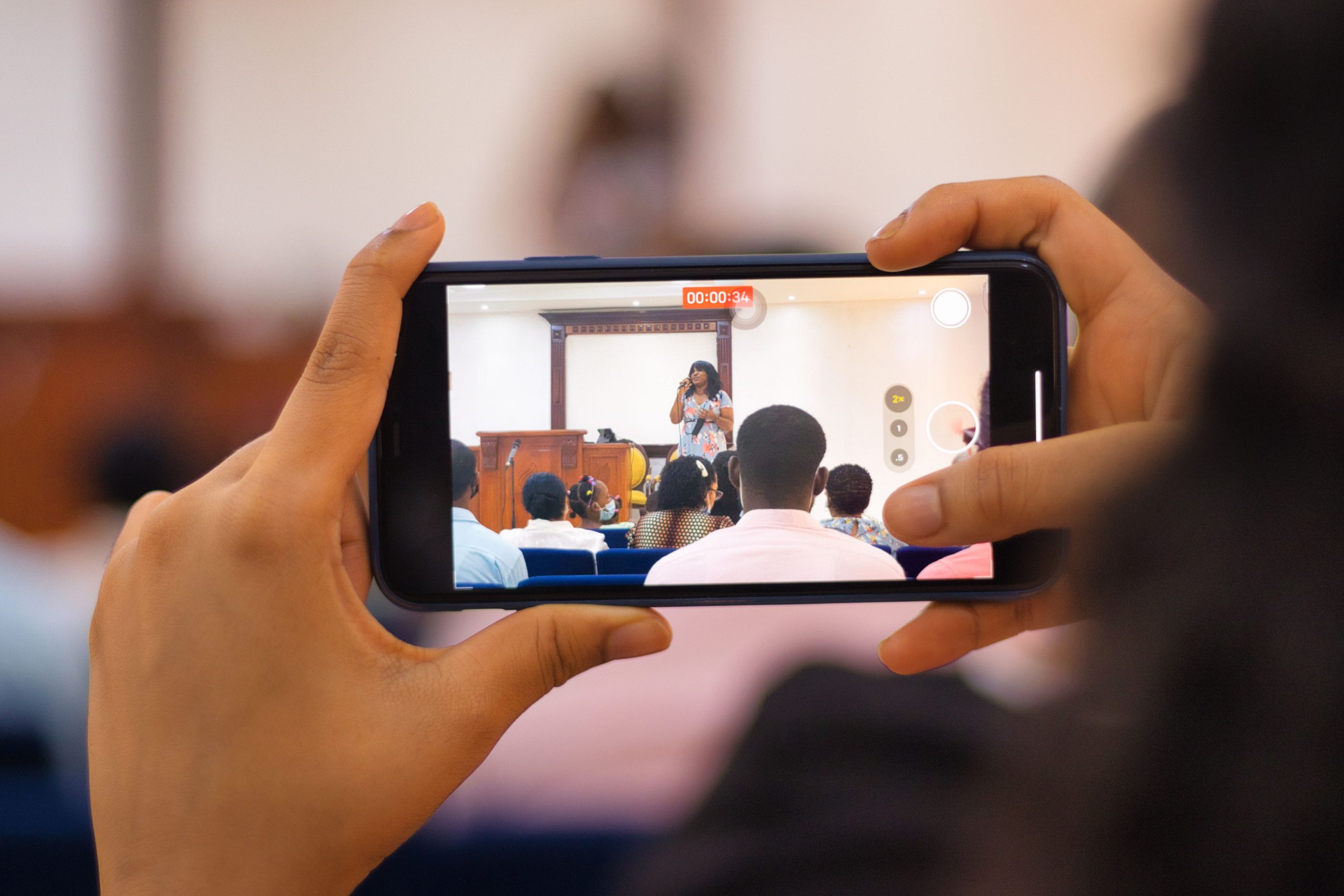
Keep promotional copy specific. Instead of “Join us for a live video tomorrow,” try something like: “Tomorrow at 3 p.m., our product specialist will demonstrate three ways to organize a large social media campaign and answer questions from viewers.” The second version tells people what they will learn and why they might want to attend.
Consider creating supporting content for different stages of the event:
- Before: Announcement post, countdown, speaker introduction, or question prompt.
- During: Short updates, key quotes, or reminders that the broadcast is currently live.
- Immediately after: Thank-you post and link to the replay where available.
- Later: Short clips, answers to individual questions, key takeaways, and related educational posts.
Many live streams can also be scheduled in advance. On YouTube, for example, businesses can schedule a stream and manage upcoming and previous broadcasts through YouTube Studio. The platform also supports different streaming methods, including mobile, webcam, and encoder-based setups. The current guide to starting and managing YouTube live streams explains the available options and requirements.
For teams handling multiple accounts, keep the promotional schedule organized so that the same message does not accidentally get posted at the wrong time or repeatedly across unrelated profiles. The goal is coordinated promotion, not duplication for its own sake.
Measure What the Live Video Actually Achieved
Do not judge a live stream solely by its peak viewer count. A smaller broadcast can be valuable if it attracts the right audience, answers important questions, or produces content that continues to be useful afterward.
Before the broadcast, decide which outcomes matter. Depending on the purpose of the session, useful measurements might include:
- Number of live viewers and total views
- Average or typical viewing duration where the platform provides it
- Number and quality of audience questions
- Clicks or visits generated by the broadcast
- Registrations, inquiries, or other relevant conversions
- Follower or subscriber activity following the broadcast
- Performance of clips and posts created from the replay
Look beyond the numbers and review the questions people asked. Suppose a software company hosts a live demonstration about campaign management and receives repeated questions about organizing multiple accounts. That feedback could reveal a useful topic for a future tutorial.
Repurposing is another important part of the measurement process. A 30-minute live session might produce several short clips, a written summary, a FAQ, social posts, and ideas for future broadcasts. If the original stream continues attracting views afterward, its value extends well beyond the live audience.
Keep a simple record for each broadcast: topic, date, platform, audience, key questions, performance observations, and follow-up content. After several sessions, patterns become easier to spot. You may discover that demonstrations consistently generate more questions than announcements, or that certain topics attract a more relevant audience.
The objective is not to make every live stream bigger than the last one. It is to learn what your audience finds useful and gradually build a repeatable live-video process that supports the wider social media strategy.
Make Live Video a Repeatable Part of Your Strategy
Live video works best when it becomes a recognizable content format rather than a one-off experiment. That does not mean going live every day. A business might choose one useful broadcast each month, while another might run a short weekly Q&A. The right schedule depends on available resources and whether the audience has a genuine reason to return.
Start small. Choose one audience problem, one platform, and one simple format. Give the session a clear beginning and end, promote it in advance, moderate the conversation, and review the results afterward. Once the process becomes comfortable, introduce guests, demonstrations, recurring themes, or more advanced production elements.
Most importantly, keep the focus on the audience rather than the technology. A sophisticated setup cannot compensate for a topic that nobody cares about. A straightforward smartphone broadcast can be highly useful when the presenter has something specific to teach, demonstrate, or discuss.
For social media managers and businesses handling multiple accounts, live video is particularly valuable when it is connected to the rest of the content workflow. The broadcast creates the conversation; the questions reveal audience interests; the replay provides a lasting resource; and the resulting clips and posts can extend the discussion across the rest of your social presence.
That is the real opportunity: not simply going live, but using live video to create more meaningful interactions and turn one useful conversation into an ongoing source of social media content.