Managing Instagram followers can be relatively simple when you only have one account. However, keeping track of follower activity becomes much more difficult when you manage several accounts at the same time.
Follower counts can change for many reasons. People may unfollow an account, deactivate their profiles, remove followers, or simply become less active. If you’re managing multiple Instagram profiles for a business, brand, or personal projects, regularly checking these changes can quickly become a time-consuming task.
A consistent approach to Instagram follower management can make it easier to understand how your accounts are growing and identify changes that may need your attention.
Why Monitor Your Instagram Followers?
Your follower count is more than just a number. Changes in your audience can provide useful information about how people are responding to your content and overall Instagram activity.
A sudden increase in followers may indicate that a post, Reel, or campaign is reaching a wider audience. On the other hand, an unexpected drop could be worth investigating.
Monitoring your followers can also help you identify patterns over time. For example, you may notice that certain types of content consistently attract new followers while other posts result in little engagement or even follower losses.
For businesses and creators managing several profiles, keeping an eye on these changes can provide a better understanding of which accounts and strategies are performing well.
How to Check Your Instagram Followers
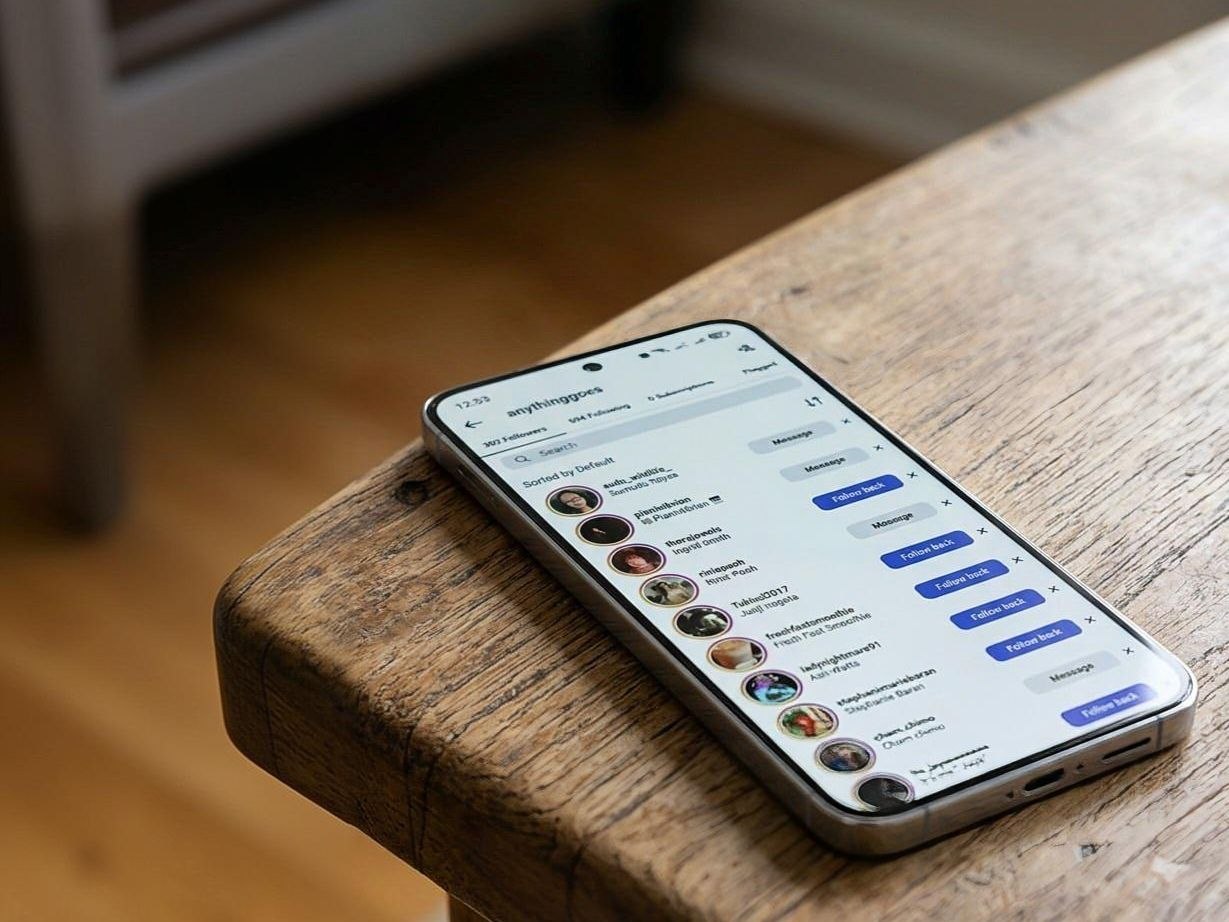
Instagram provides several ways to review your followers manually. You can open your profile and access your followers list to see the accounts currently following you.
If you’re trying to determine whether a particular person still follows you, you can search for their username in your followers list. You can also visit their profile and check the relationship between the two accounts.
However, manual checking becomes less practical as your account grows.
If you manage five, ten, or more Instagram accounts, checking each followers list individually can take a significant amount of time. It can also be difficult to remember previous follower counts or identify small changes from one day to the next.
Don’t Assume Every Follower Drop Means Someone Unfollowed You
A decrease in followers doesn’t necessarily mean that people are actively unfollowing your account.
Instagram accounts can be deactivated or deleted, and Instagram may also remove accounts that violate its rules. As a result, your follower count can sometimes decrease even when you haven’t changed anything about your content or account strategy.
This is why it’s more useful to look at follower changes over time instead of reacting to every small fluctuation.
If you notice a consistent decline, you can then look at other factors such as recent content, posting frequency, engagement, and audience activity.

What About Checking If Someone Blocked You?
Follower management can sometimes lead to another common question: how do you know if someone has blocked you on Instagram?
There isn’t an official Instagram list showing every account that has blocked you. However, you may notice signs such as being unable to find an account from your profile or no longer being able to view content that was previously available to you.
Keep in mind that similar things can happen when an account is deleted, deactivated, or changes its username. Checking from another account can sometimes help determine whether the profile is still available.
For follower management purposes, it’s better to focus on overall audience changes rather than trying to identify every individual account that disappears.
Managing Followers Across Multiple Instagram Accounts
Managing one Instagram account manually is one thing. Managing several accounts is a different challenge.
You may need to switch between accounts to check follower activity, publish content, respond to engagement, and perform other routine tasks. Repeating the same processes across multiple profiles can take time away from more important work, such as creating content and developing your social media strategy.
This is where automation can become useful.
Instead of treating every account as a completely separate workflow, social media automation tools can help organize repetitive activities and make it easier to manage multiple accounts from a centralized setup.
Use Automation to Reduce Repetitive Instagram Tasks
Instagram automation isn’t necessarily about removing humans from the process. For many users, its main benefit is reducing repetitive work. For example, if you’re responsible for several social media accounts, you may want to automate routine actions while continuing to monitor your accounts and make strategic decisions yourself.
A social media automation platform can help you organize activities across multiple accounts, reducing the need to repeatedly switch between profiles and perform the same actions manually.
This can be especially useful for agencies, social media managers, and users running multiple accounts for different projects.
Keep Track of Follower Growth Alongside Other Metrics
Follower count shouldn’t be the only metric you monitor.
A growing audience is useful, but it doesn’t necessarily mean that an account is achieving its goals. Engagement, reach, content performance, and audience quality can provide additional context.
For example, an account gaining hundreds of followers without meaningful engagement may not be performing as well as an account with a smaller but highly active audience.
Consider tracking follower growth alongside other important Instagram metrics so you can understand what is actually contributing to account growth.
Managing Multiple Accounts With SMTasker
When you’re managing multiple social media accounts, reducing repetitive tasks can make your workflow much easier to handle.
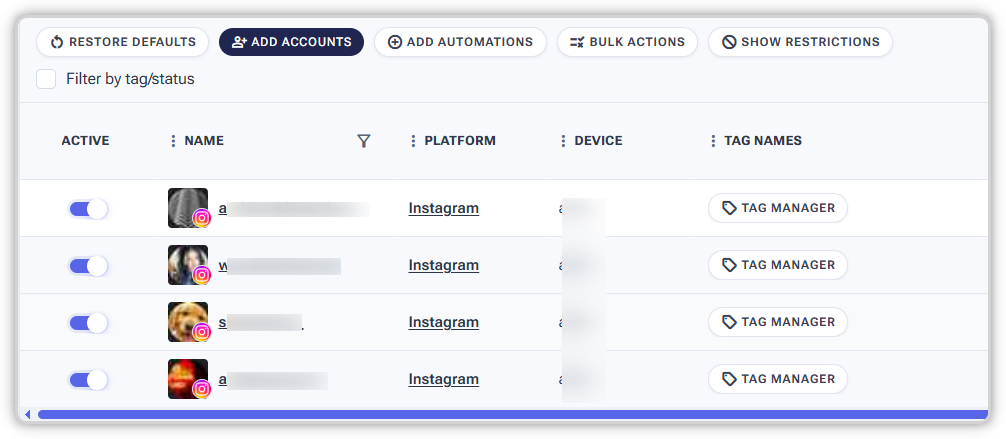
SMTasker is designed to help users automate social media activities across multiple accounts and devices. Instead of manually performing every routine action on every profile, you can use automation to handle supported tasks while maintaining control over your overall strategy.
This can be particularly useful when managing several Instagram accounts alongside other social media profiles.
The goal isn’t to replace your social media strategy. It’s to reduce the amount of repetitive manual work involved in putting that strategy into practice.
Final Thoughts
Instagram follower management becomes increasingly difficult as the number of accounts you manage grows. While manually checking followers can work for a single account, it quickly becomes inefficient when you’re responsible for multiple profiles.
Rather than focusing on individual follower changes, look for broader patterns in follower growth, engagement, and content performance. This gives you a more useful picture of how each account is developing.
For users managing multiple Instagram accounts, automation can also reduce repetitive work and make day-to-day social media management more efficient. With the right workflow, you can spend less time switching between accounts and more time focusing on the content and strategy that actually drive growth.