Instagram DM Automation for Lead Generation: How to Automate Messages That Get Replies
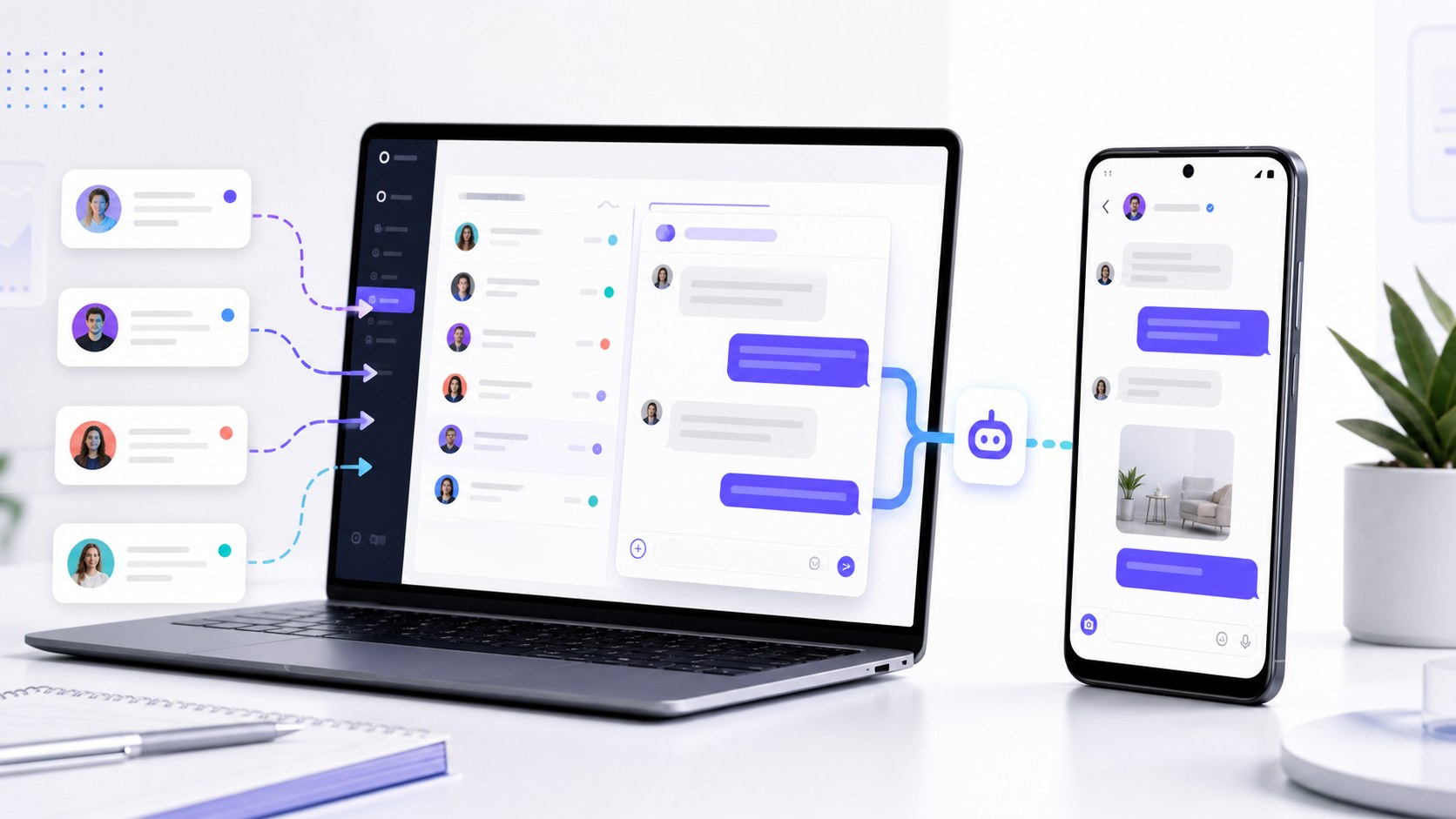
People search for Instagram DM automation because inbox work becomes repetitive fast. You may welcome new followers, contact people from a researched list, or answer the same questions every day.
Automation can handle that first layer. Your team can focus on replies that need a real person. Every conversation also gets a clear starting point.
In marketing, lead generation means finding people who may be interested in an offer and moving them toward a useful next step. An Instagram DM can start that process. The next step may be a reply, a call, a product page, a quote, or a free trial.
What Is Instagram DM Automation?
Instagram DM automation sends or prepares direct messages from a chosen source and set of instructions. The source decides who receives a message. The results show what happened.
This is wider than a simple auto-reply. Instagram direct message automation can support outreach, new-follower welcomes, inbox replies, lead qualification, and follow-up preparation.
The goal is to start more useful conversations with less repeated work.
Three Instagram DM Campaigns You Can Build
Choose one campaign type first. Each type needs its own message and next step.
| Campaign | Message source | First goal | Possible next step |
|---|---|---|---|
| Targeted outreach | A selected list of usernames | Start a relevant conversation | Ask a question or offer useful information |
| New-follower welcome | People who recently followed | Turn attention into a reply | Point to a useful resource or ask what they need |
| Inbox reply | Incoming Instagram messages | Answer or classify the request | Send details or hand the conversation to a person |
Use a different message for each source. A cold introduction should not sound like a welcome.
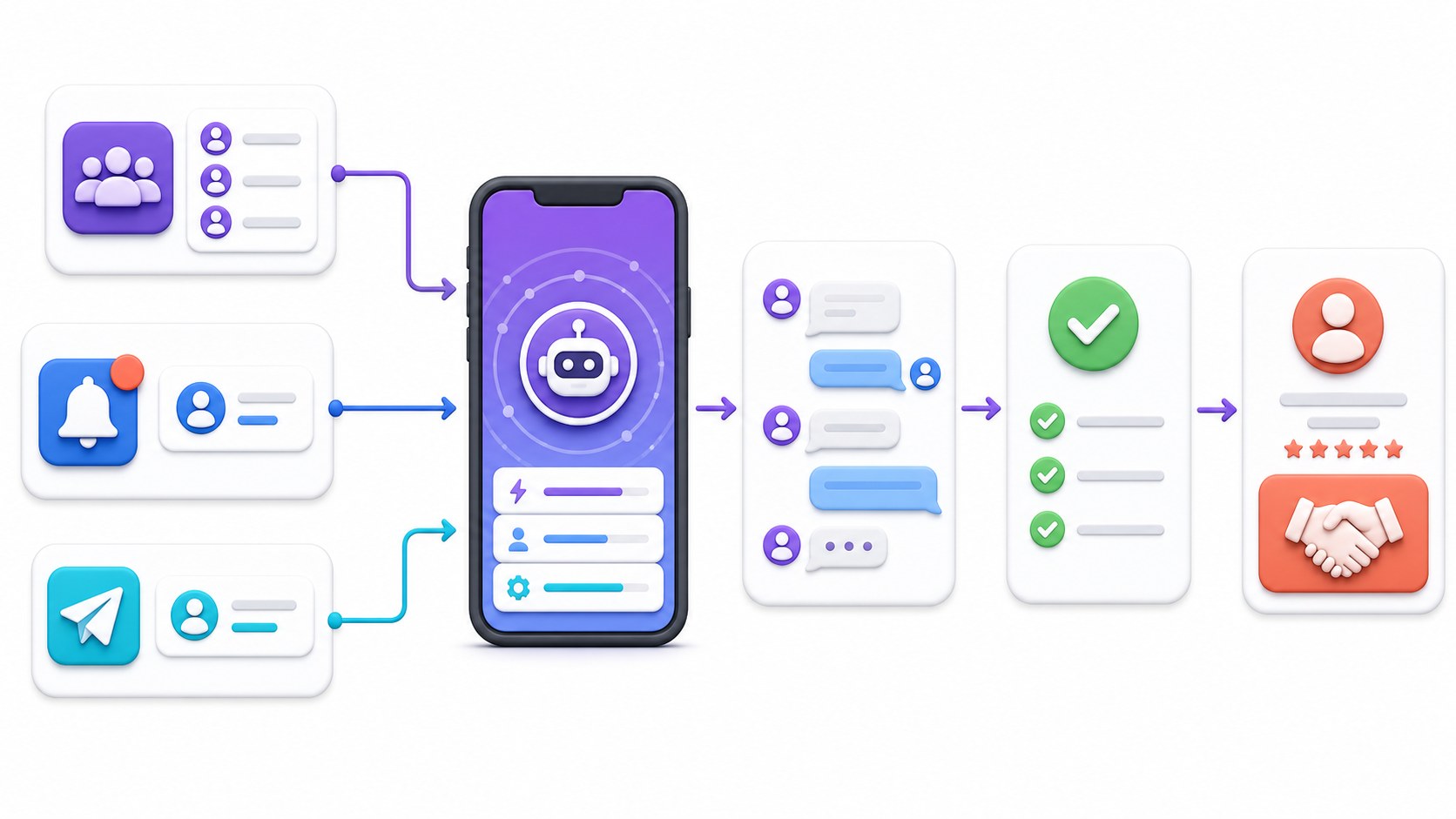
How to Automate Instagram Messages in Seven Steps
1. Pick one result
Choose one main result: replies, booked calls, quote requests, trial starts, or product questions.
2. Choose the message source
Use a prospect list for outreach, new followers for welcomes, or incoming messages for inbox replies. The SMTasker guide to sources and targeting can help you build a focused list.
3. Write a short opening message
Give the person a reason to reply. Mention their name, niche, bio, or why they entered your list.
4. Ask one question
Ask only what you need for the next step. Too many questions feel like a form.
5. Prepare the next reply
After a positive answer, send details, share a page, ask another question, or hand the lead to a person.
6. Avoid repeated contacts
Keep a record of the people already contacted. In SMTasker, the Skip already contacted users option handles this for the Contact Tool.
7. Review the results
Check which source and message produced replies. Improve one part at a time.
How to Write Automated Instagram Messages That Get Replies
A good first message has three simple parts:
- Context: Why are you contacting this person?
- Reason: What useful idea, offer, or information do you have?
- Question: What easy reply can move the conversation forward?
Here is a simple outreach example:
A new-follower message needs a different tone:
Both examples give context and end with one clear question. Change the wording for each audience and offer.
How the SMTasker Contact Tool Works
SMTasker runs Instagram automation through a connected Android phone or emulator. You manage the workflow from the dashboard. The Contact Tool handles messages inside the social app.
It offers three source types:
- Specific Users: send a message to usernames from a list you prepared.
- New Followers: welcome people who recently followed your account.
- Reply to Messages: respond to new conversations in the inbox.
You can write a template or use AI-generated content. Variables include [USERNAME], [FULLNAME], [BIO], and [POSTCAPTION]. For inbox replies, [LASTRECENTMESSAGES] can give the AI recent context.
The [AIPROMPT] tag gives the AI instructions. The AI Prompt Manager saves prompts for reuse. For every setting, read The Contact Tool guide.
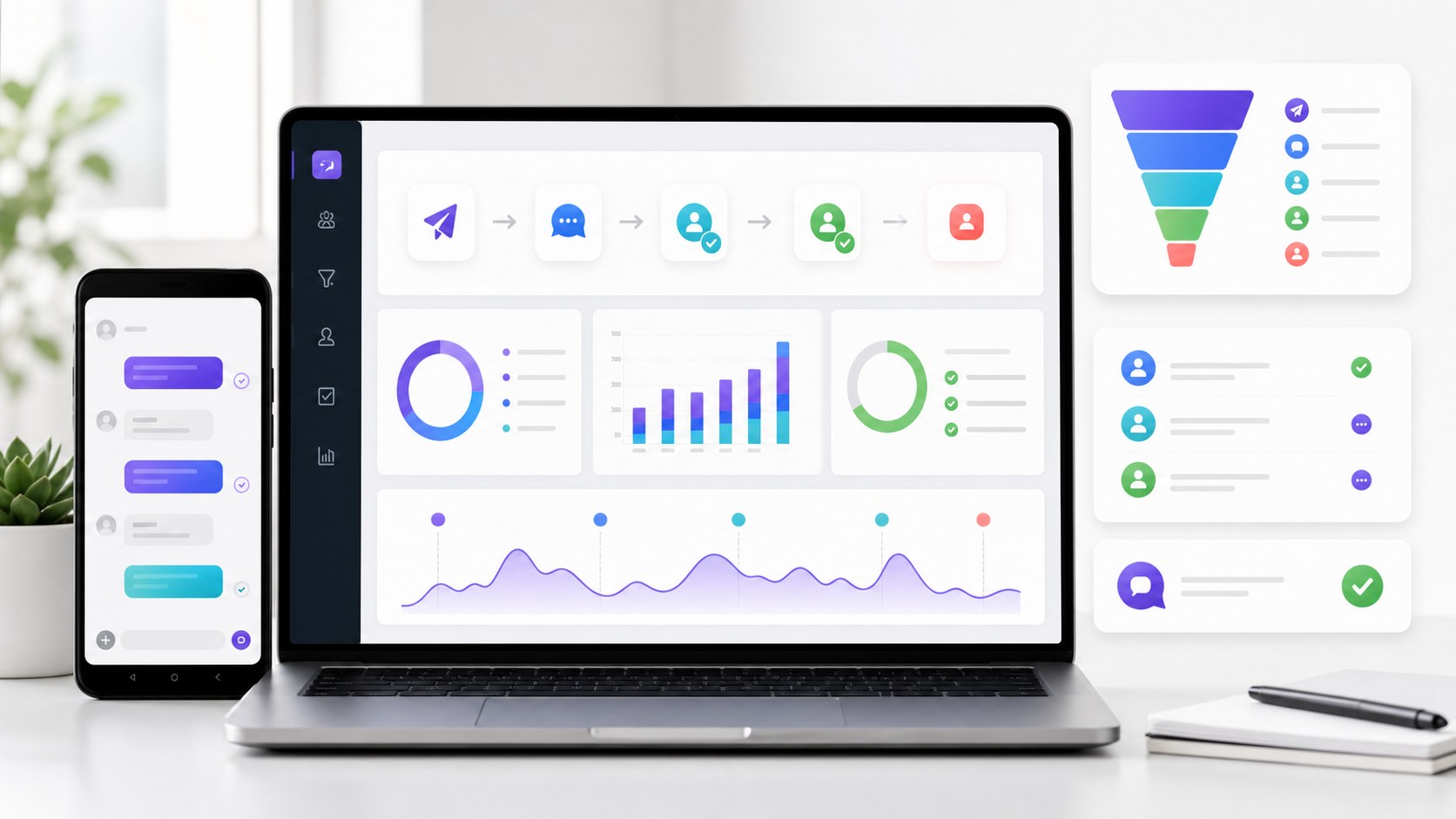
Results shows contacted accounts and message status. Statistics shows activity over time. Summary shows events and errors. These views tell you whether the Instagram automation message workflow is running as planned.
How to Qualify Leads Inside the DM Conversation
Qualification shows whether someone matches your offer. Ask one question, wait for the answer, then choose the next one.
A basic Instagram DM lead generation flow can use questions like these:
- What are you trying to improve right now?
- Are you managing your own accounts or client accounts?
- How many accounts or devices do you manage?
- Which daily task takes most of your time?
- Would you rather see a guide, pricing, or a short demo?
The answers tell you what to send next. It may be a tutorial, pricing page, trial, or personal reply.
Should You Use Templates or AI-Generated Messages?
Use templates for simple messages. They are easy to test and compare.
Use AI when the message needs context from a bio, post caption, or recent chat. Give it a clear job, length, and question.
You can mix both methods. Keep the structure fixed and let AI personalize one sentence.
How to Track Instagram DM Lead Generation Results
Messages sent is only the first number. Track what happens next.
| Metric | Simple calculation | What it tells you |
|---|---|---|
| Reply rate | Replies divided by messages sent | Whether the source and opening create conversations |
| Qualified reply rate | Useful leads divided by replies | Whether you are reaching the right people |
| Next-step rate | Calls, trials, or requests divided by qualified replies | Whether the conversation moves forward |
| Outcome rate | Completed goals divided by messages sent | The final value of the campaign |
Meta also uses Instagram Direct for lead ads that click to message. The idea is similar: start a conversation, then guide the person to a useful next step.
Common Instagram DM Automation Workflow Mistakes
- Using one message for every source: outreach, welcomes, and inbox replies need different openings.
- Choosing a weak prospect list: better copy cannot fix the wrong audience.
- Asking too much at once: one short question is easier to answer than five.
- Sending without a next step: decide what happens after each type of reply.
- Contacting the same users again: use contact history and the skip option.
- Tracking only message volume: replies and qualified leads matter more.
- Never reviewing AI output: check real messages and improve the prompt when needed.
For manual follow-up, Meta Business Suite Inbox can show Instagram business messages with other Meta conversations. SMTasker handles the repeatable workflow. Your team can handle the replies that need judgment.
FAQ
Does Instagram DM automation really work for lead generation?
Yes. Match the source, message, question, and next step. Measure replies and qualified conversations, not only messages sent.
How do I automate Instagram messages?
Choose a source, write the opening, add one question, prepare the next reply, avoid repeated contacts, and review the results. SMTasker puts these controls in its Contact Tool.
Can I automate messages to new followers on Instagram?
Yes. SMTasker’s New Followers source can send them a welcome message. Use a separate campaign and message for this audience.
Can Instagram DM automation reply to incoming messages?
Yes. Reply to Messages can handle first-line replies and use recent context through [LASTRECENTMESSAGES].
How do you use Instagram automation without looking spammy?
Use a focused source, add real context, keep the opening short, and ask one useful question. Give each campaign type its own message.
Is there a free way to test an Instagram DM automation tool?
SMTasker has a five-day free trial. Connect a device, create one Contact workflow, test the message, and review the results.
Can agencies run separate DM campaigns for different clients?
Yes. Use separate Contact tools, sources, messages, and device setups for each client. Keep reporting separate too.
Start with One DM Workflow
Choose one source. Write one short opening. Ask one question. Prepare one next step. Then track replies and improve the workflow.
SMTasker runs the workflow through Instagram on a connected Android phone or emulator. The Contact Tool handles selected users, new followers, and incoming messages. Templates, AI variables, contact history, and reporting keep it organized.
Start your five-day SMTasker trial and build your first Instagram DM lead generation campaign.