Generating AI Content
Create images for your posts with AI, right inside SMTasker — add a prompt and let the app build media for your campaigns.
The AI Content tab (under Content) lets you generate images for your posts without leaving SMTasker. Generated media flows into your library so the Publish tool can post it.
The AI Content library
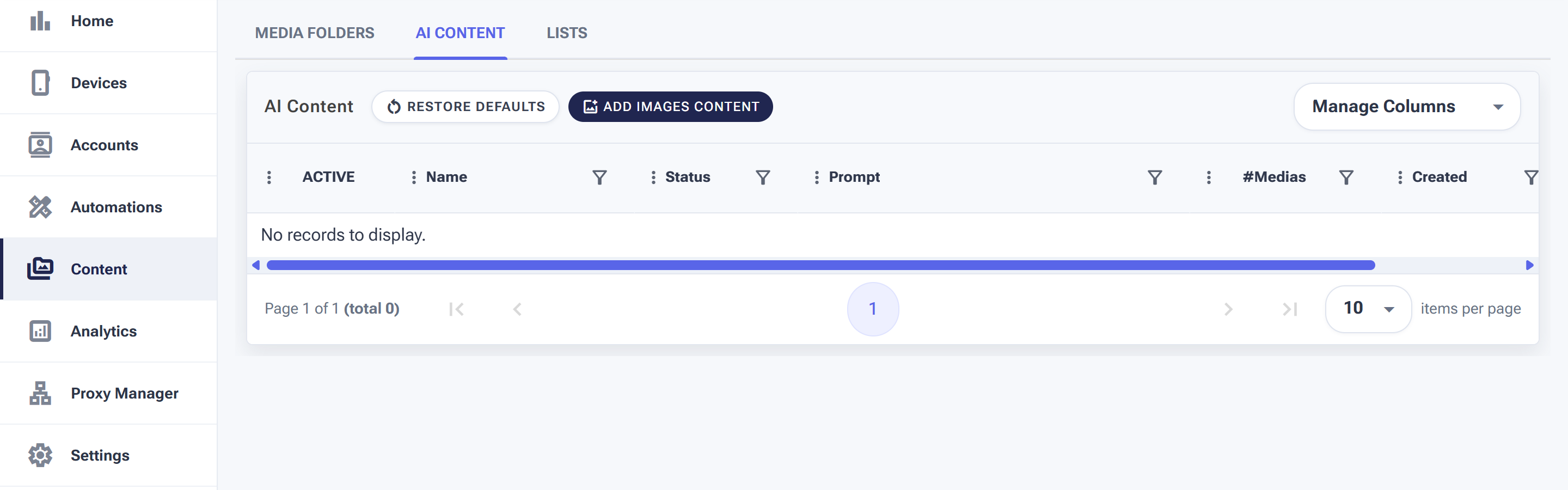
Each row is a generation job — its prompt, status, and how many images it produced.
Click Add Images Content to start a new generation: give it a name and a prompt describing the images you want. Each job appears in the table with its Status, the Prompt used, and #Medias — how many images it created.
The Active toggle controls whether a job’s media is available for use, and Manage Columns tailors the view.
Writing prompts that produce usable images
The difference between AI images you post and AI images you delete is almost entirely in the prompt. Three rules that consistently pay off:
- Describe a scene, not a topic. “Fitness” gives the model nothing. “A minimalist home gym at golden hour, dumbbells in the foreground, soft warm light” gives it a shot to compose.
- Bake in your visual identity. If your feed has a look — bright and airy, moody and dark, a brand colour — put it in every prompt so the generated set feels like one account, not stock-photo roulette.
- Generate in batches, keep the best. Expect to use maybe half of what a job produces. That’s normal — the economics still beat shooting original photos for filler content.
Where the images go next
Generated media doesn’t post itself — it becomes material for your posting pipeline:
- Generate a batch here (e.g. “10 background images, brand palette”).
- Add the keepers to a Media Folder alongside your real photos.
- Point the Publish tool at that folder and let the schedule drain it.